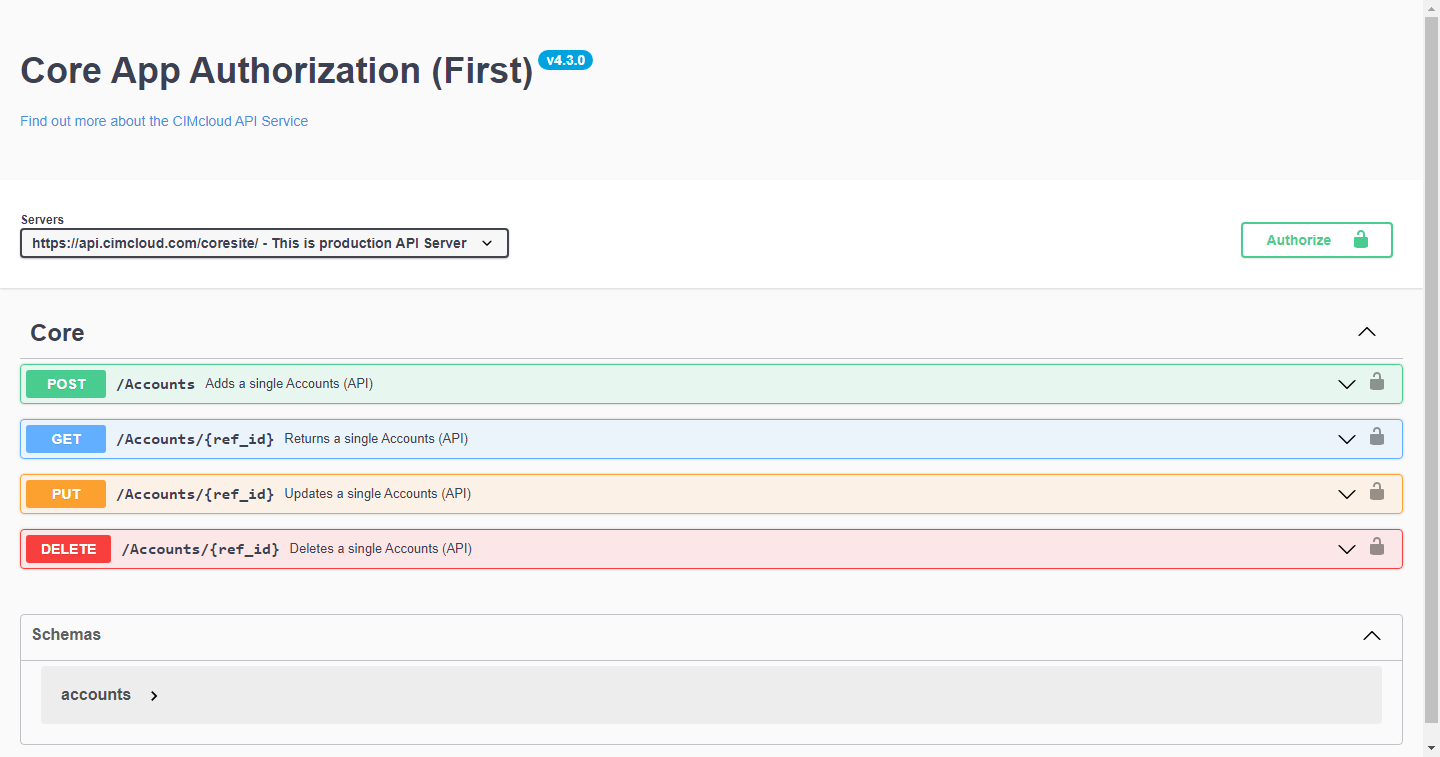
Once your CIMcloud Authorization is created with Resources assigned, an automated process will generate documentation for the endpoints available. This is generated once per day for each Authorization; however, we can generate this more frequently if requested. Please submit a ticket to Extranet for us to increase the frequency.
You can access this documentation on the App Authorization Manage page (api_app_authorizations_man.asp) under the Actions column, clicking “API Documentation”.
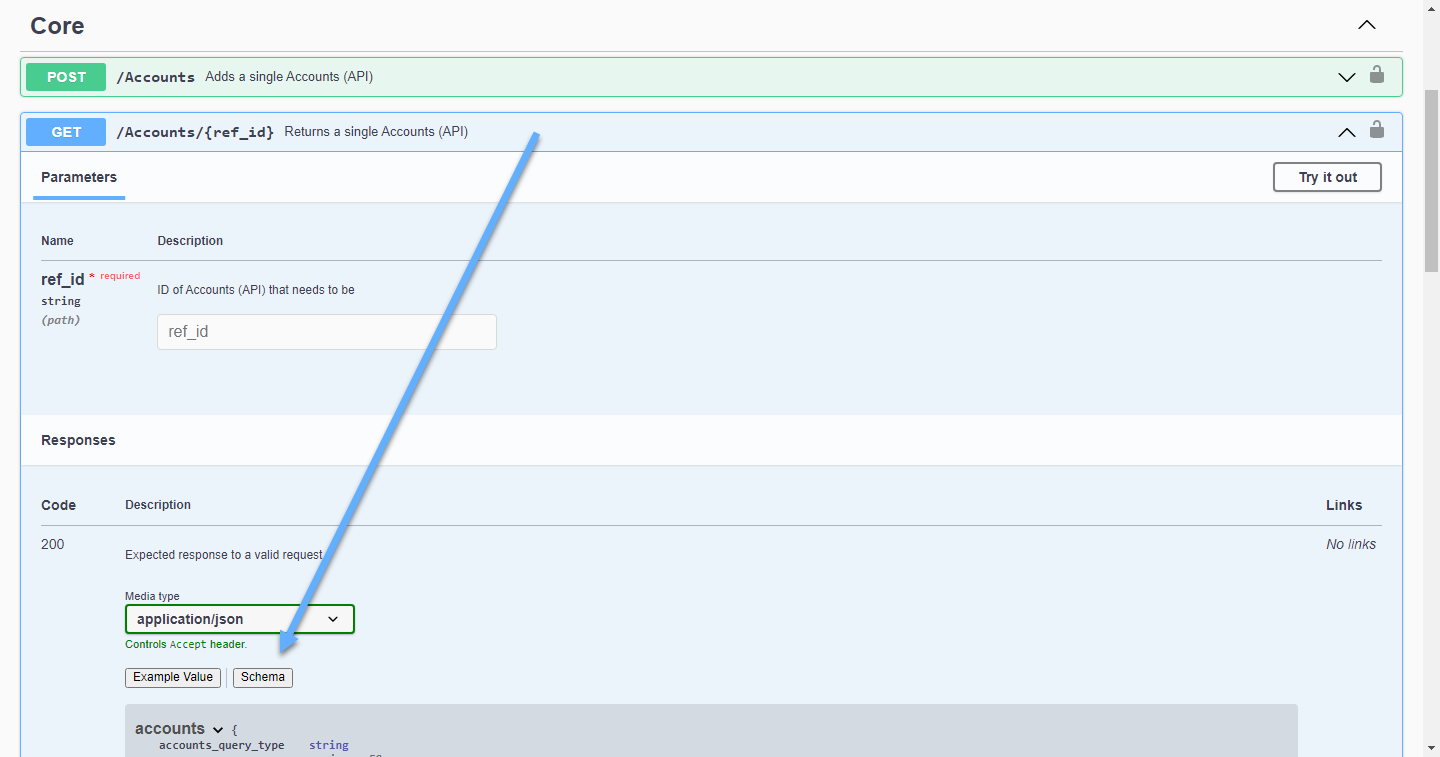
This page will display a list of all resources mapped to your authorization [Screenshot A]. Expanding each of the resources will display accessible fields. Clicking on the “schema” button will display descriptions of each field [Screenshot B].
[Screenshot A]
[Screenshot B]